
Bento Board
Photo collages, grid or freeform.
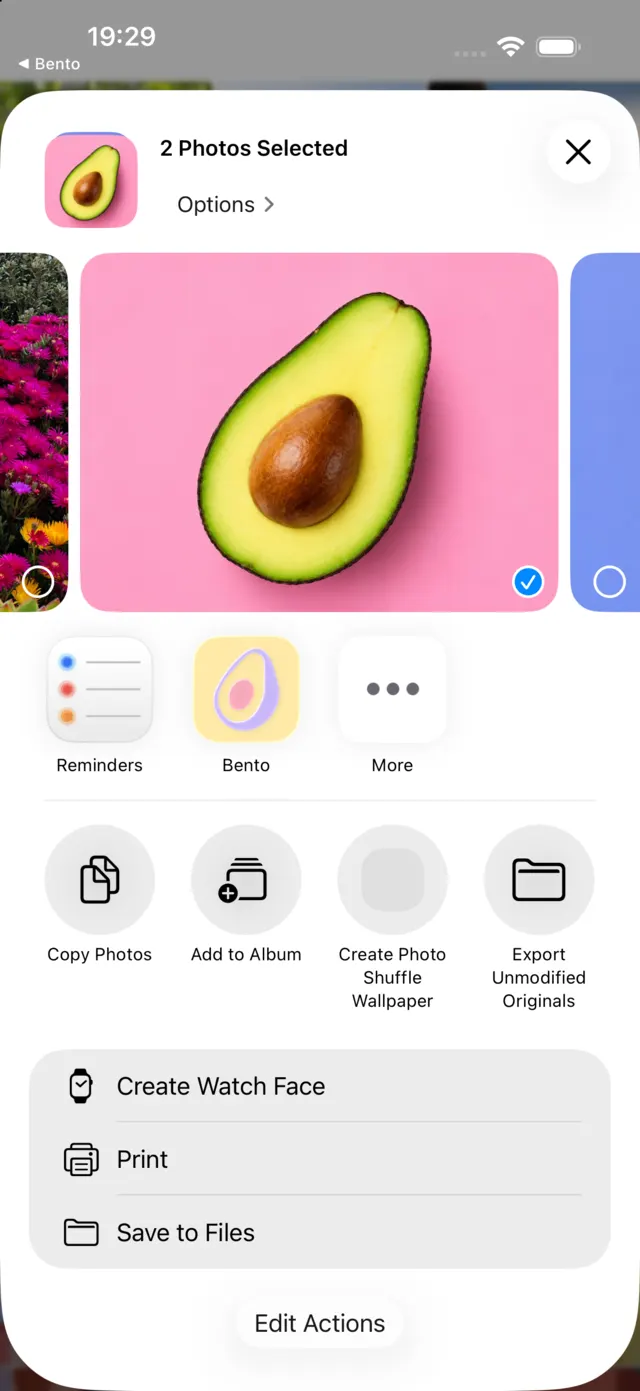
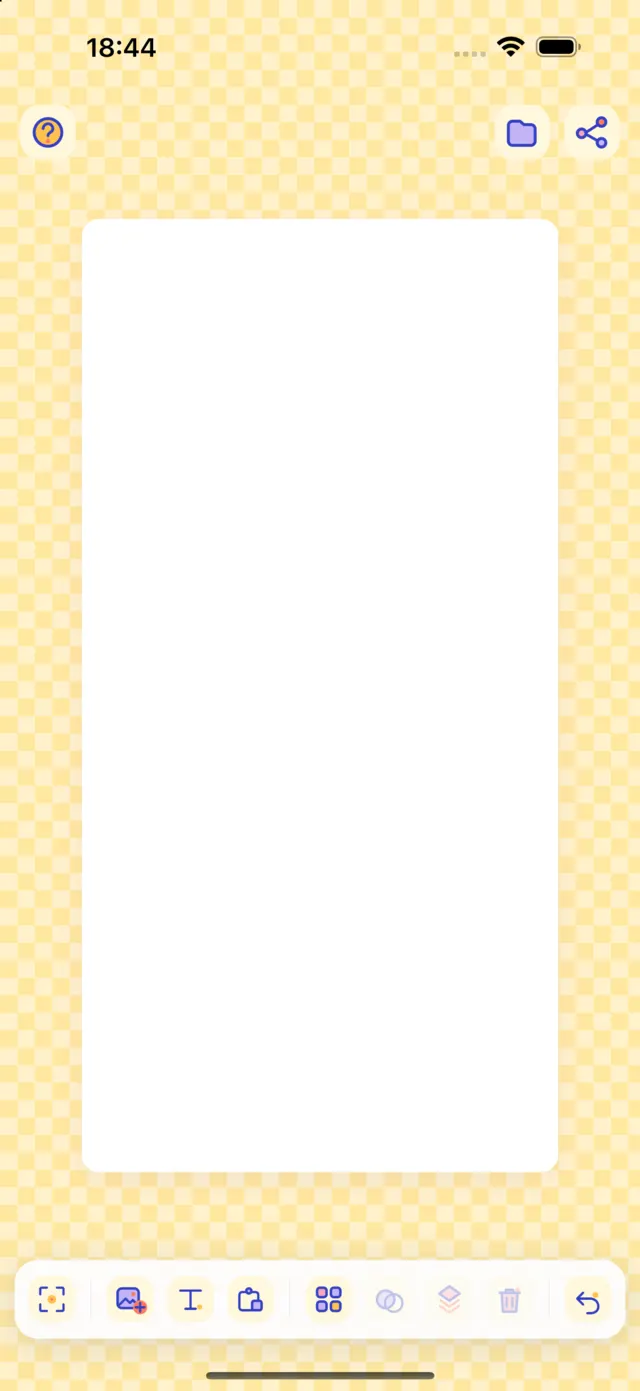
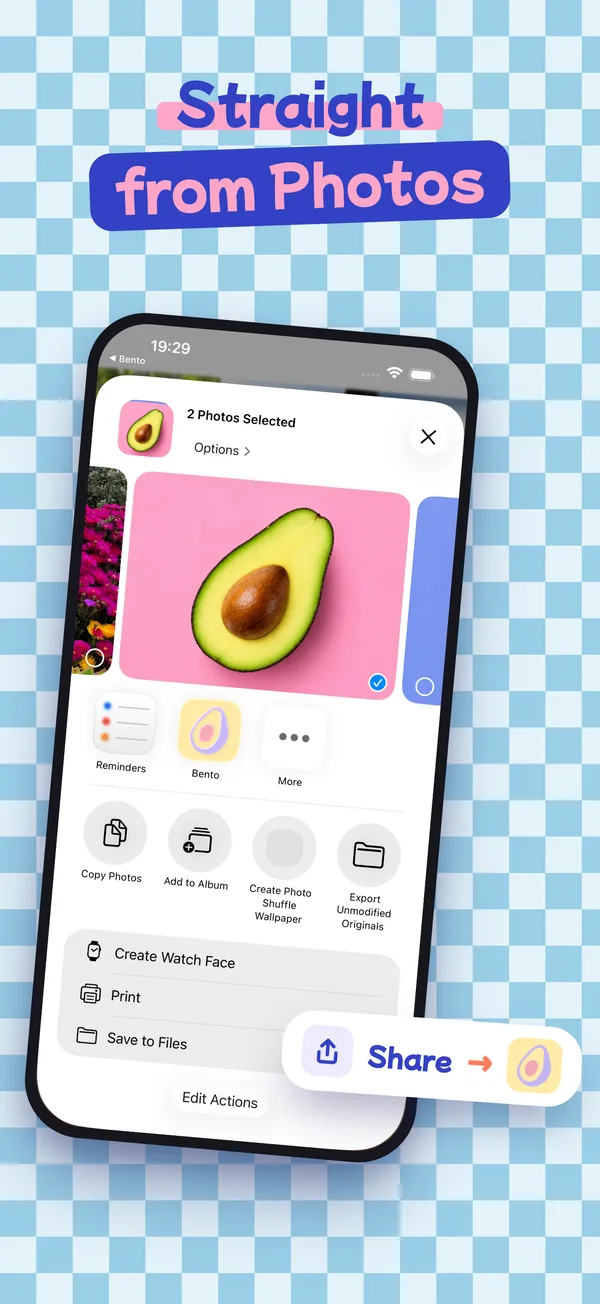
Pick a few photos in your library, tap Share, choose Bento: the board opens with your pictures already in place. Arrange them in a clean grid, or put them wherever you like.
Download on theApp Store- Free
- No account
- No ads
- iPhone & iPad
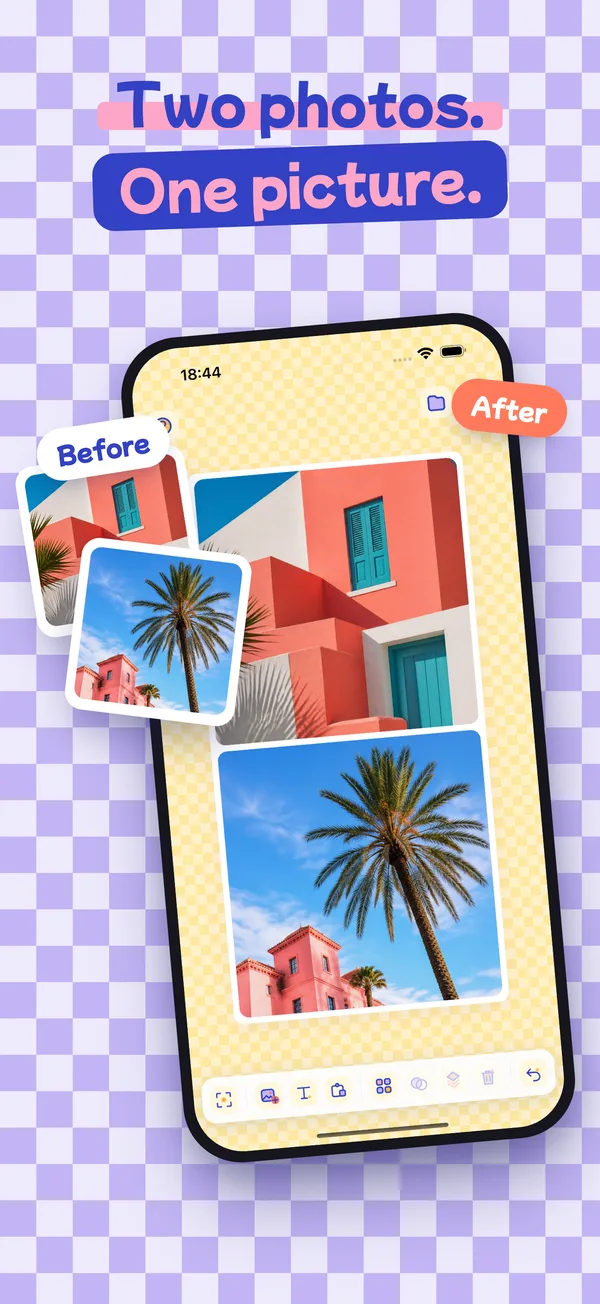
How it works, from Photos
- Select your photosIn the Photos app, tap Select and pick two or more.
- Tap Share, then BentoBento Board sits in the share sheet with your other apps.
- Your board is readyThe photos land in their cells, ready to arrange and export.
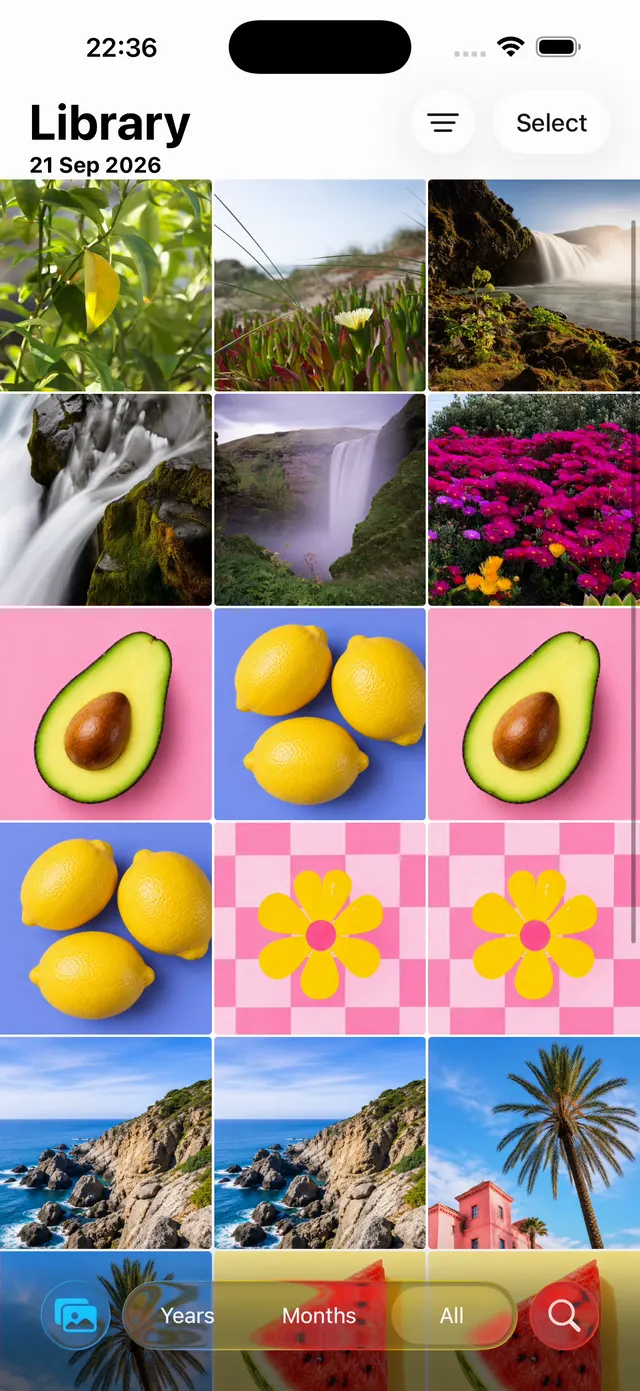


Straight from Photos
Select several photos, tap Share, pick Bento. No importing one by one: they all land on the board.
Grid or freeform
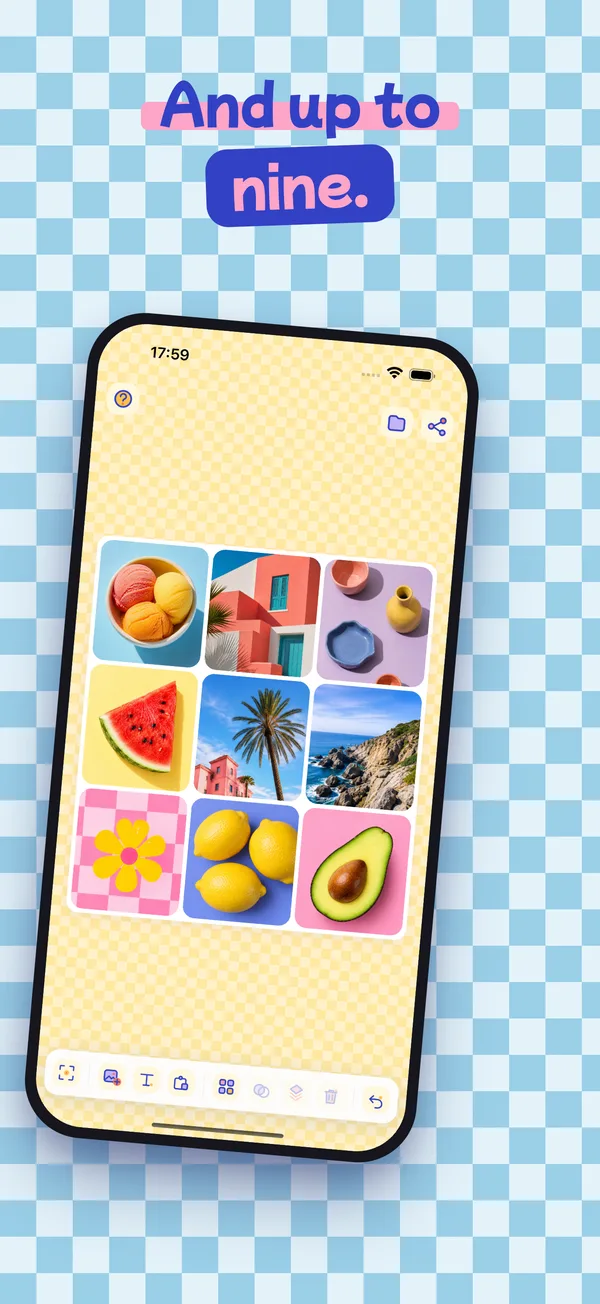
Ten layouts from full bleed to 3×3, square, 4:5, 9:16 or 16:9 — or no grid at all.
Show the difference
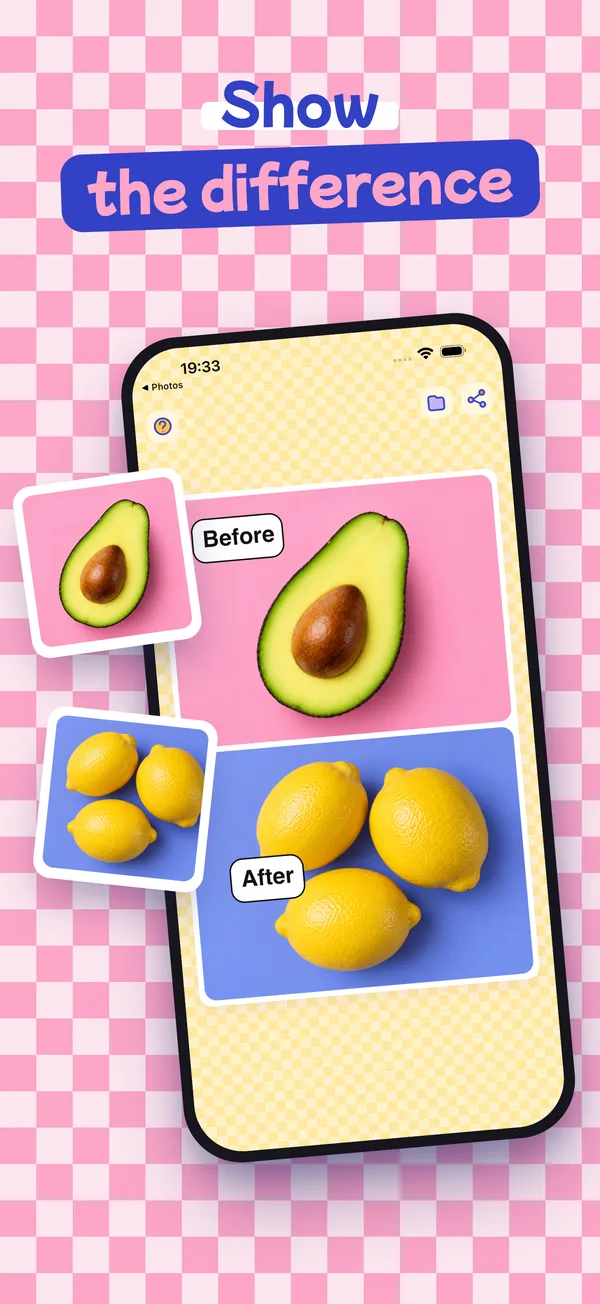
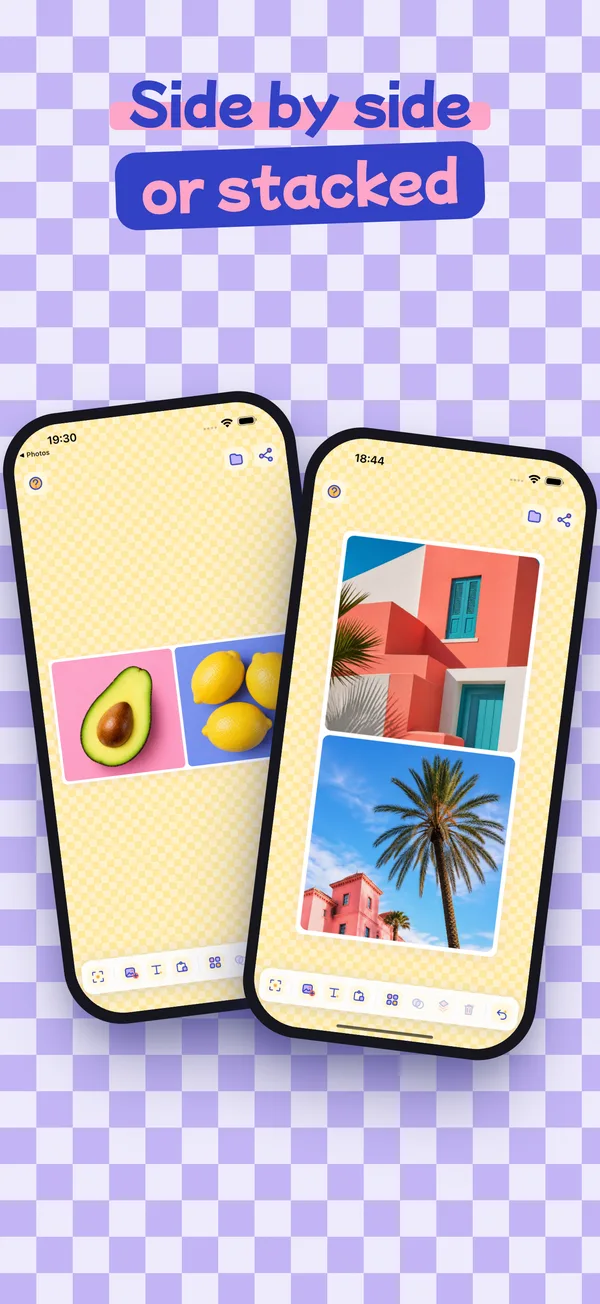
Before and after, side by side or stacked, with comic-style speech bubbles to say which is which.
Your hands do the work
Pinch to zoom inside a cell, drag to reframe, press and hold to swap photos between cells.
Full resolution
Export to your library or any app at full definition. Projects save themselves and wait for you.
Nothing leaves your phone
No account, no ads, no tracking, no network. Read the privacy policy.